|
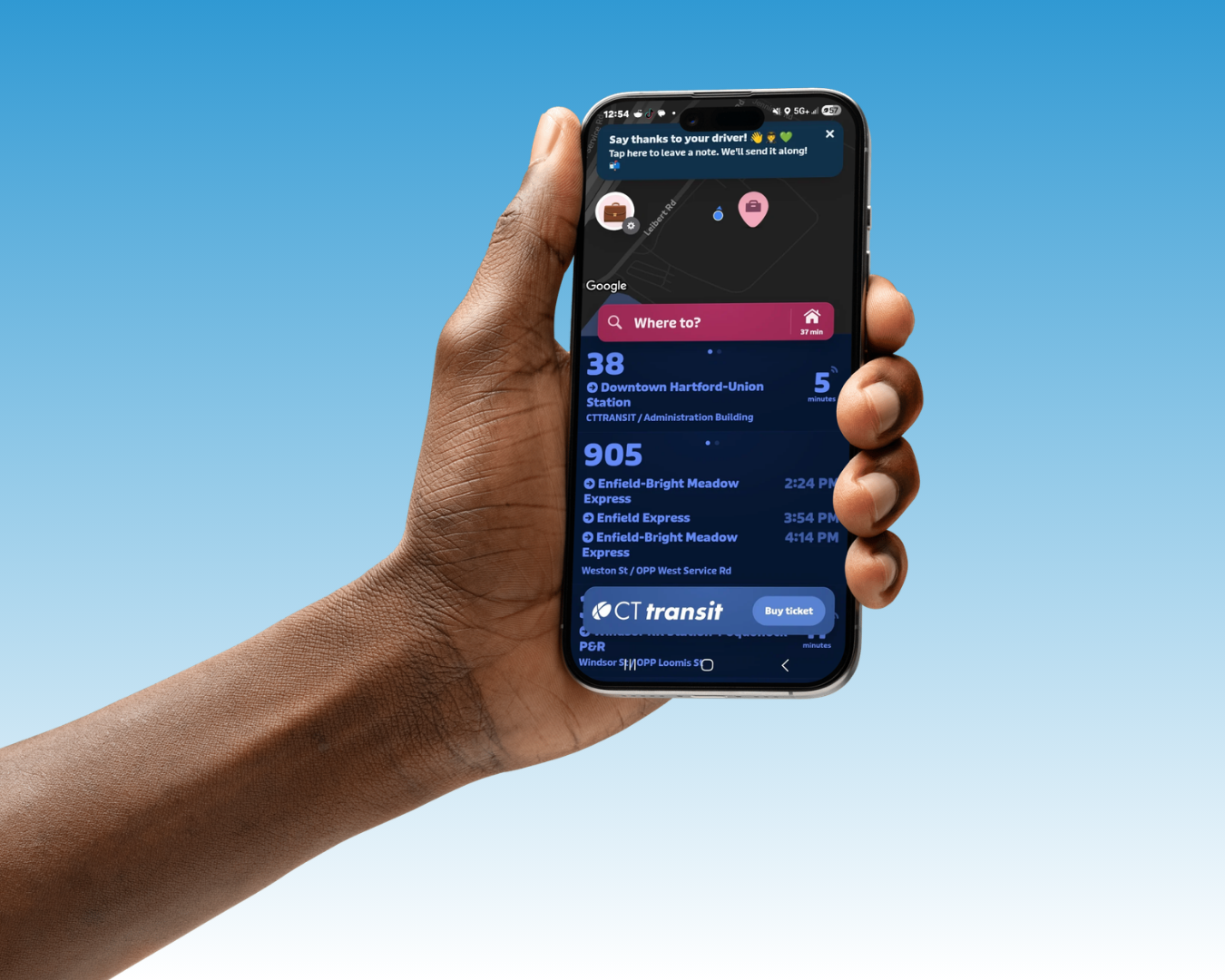
Customers can use the Trip Planner to find maps and schedules for the local and express bus routes they need by simply entering a starting and ending location or address. You can also look up the schedule for a specific route, locate the stops nearest your starting and ending locations, and once you know your bus stop, determine when the next scheduled bus will serve that location.
Planning a trip requires some simple steps. Specify the Origin/Starting Point and the Destination by entering:
- an address, e.g. 1937 Main
- an intersection, e.g. Farmington and Prospect, or Farmington @ Prospect OR
- a landmark, e.g. Hamden Plaza
Tip: Do not include unit/suite numbers, street suffixes (i.e. St., Ave., Pl.) and/or directional indicators (i.e. N, S, E, W), or city or zip code information.
To search for landmarks, click on Landmarks by Category and choose a category from the drop-down list. This is useful if you do not know the name of the landmark you are looking for.
The Sort Results by drop-down menu enables you to optimize your search results by:
- Trip Time - sorts by the shortest trip
- Number of Transfers - sorts by the fewest transfers
- Walking Distance - sorts by the shortest walking distance
The best way to learn more is to try it out! Click here and begin planning your next bus trip. The extensive online Help files will answer many of the questions you may have as you become familiar with the Trip Planner options. The representatives at the Customer Service Telephone Centers are also available to assist you.
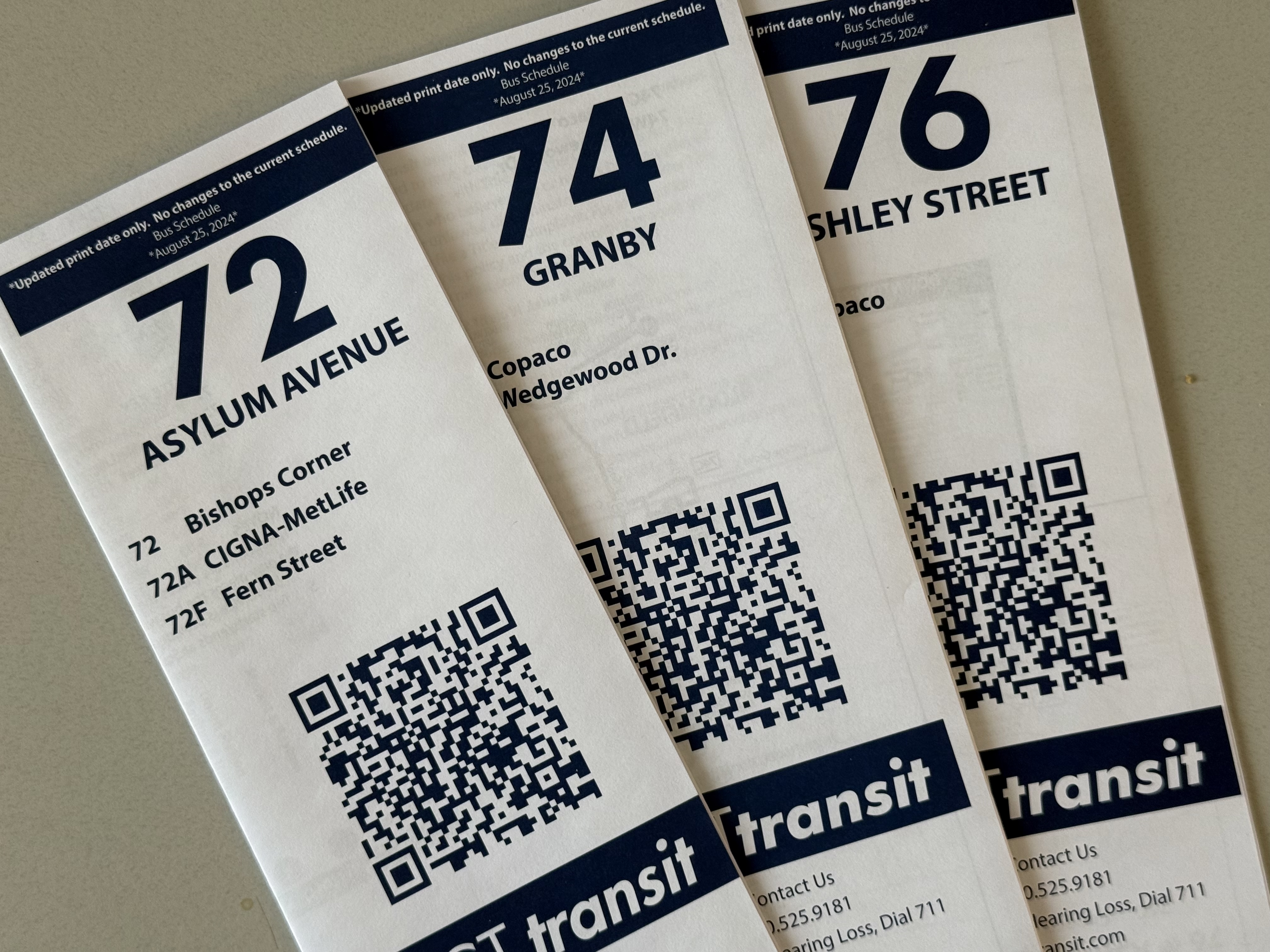
To search timetables and maps on cttransit.com
using keywords and popular destinations, click here:
|
| 
This planner is funded by Connect-Ability. Connect-Ability is managed by the Connecticut Department of Social Services and Funded by the Centers for Medicare & Medicaid Services.
|