
Services
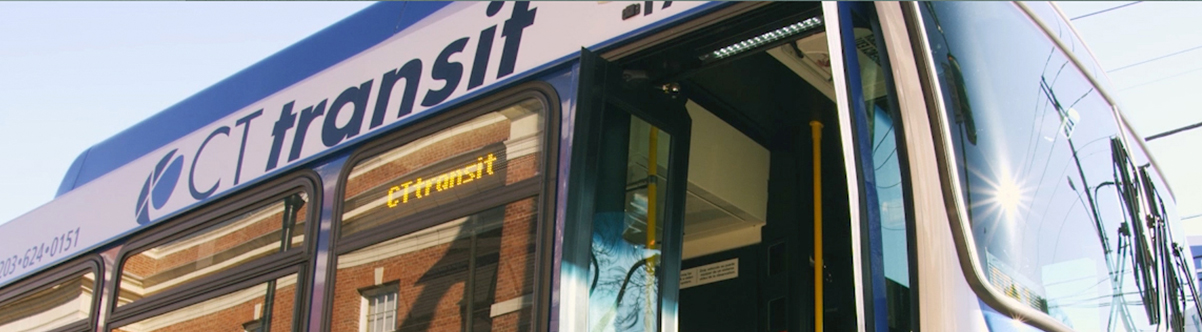
CTtransit is the brand name for services operated by private bus companies under contract to the Connecticut Department of Transportation (CTDOT).
Service Types
Local
Local bus routes make frequent stops, typically every 2 to 3 blocks, linking neighborhoods with urban centers and providing connections within and between communities. Although individual trips on some local buses operated in a limited- or skip-stop fashion, local bus routes primarily serve city streets and may also operate into malls, hospitals or shopping centers.
Flyer
Flyer bus routes are local routes that provide limited-stop service at all times, often by using highways, HOV lanes or busways for part of their route. Flyer bus routes offer somewhat faster service than their local counterparts for at no additional charge.
Bus Rapid Transit
CTfastrak bus routes are local routes that provide limited-stop service and operate primarily on HOV lanes or busways. Bus Rapid Transit routes offer significantly faster service than local routes and feature off-board fare collection (customers pre-pay their fare before boarding the bus at stations).
Express
Express bus routes are long-distance services that link cities or connect suburbs with regional urban centers. Express bus routes make very few stops and operate non-stop over long distances. As a result, express bus routes charge distance-based fares.
Connector
Connector bus routes offer peak-hour weekday bus service connecting rail stations to central business areas. Buses are timed to meet certain CTrail New Haven Line operated by Metro-North, CTrail Shore Line East and Amtrak trains at the station. Connector bus routes hold for connecting trains to allow customers to make more reliable connections to nearby destinations that are not within walking distance of the train station.
Shuttle
Shuttle bus routes are short-distance services, usually operating in the downtown area, designed to bring customers closer to their destination. Shuttle bus routes operate free of charge, without the hassle of having to obtain a paper transfer or re-swipe their bus pass.